2. Login as a Superuser
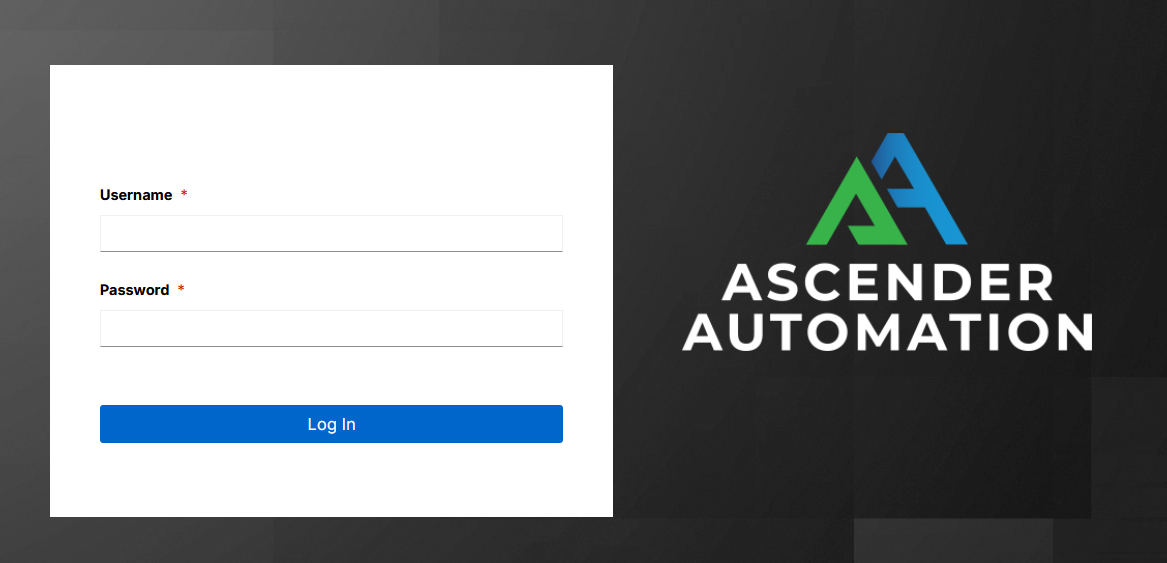
Using the login information provided after your installation completed, open a web browser and log in to Ascender by browsing to its server URL at: https://<ASCENDER_SERVER_NAME>/
Once the Ascender UI is accessible, use the credentials specified during the installation process to login. The default username is admin. The password for admin is the value specified for admin_password in your inventory file.
These defaults can be changed later by clicking Users from the left navigation bar.