
To enter the Settings window for Ascender, click Settings from the left navigation bar. This page allows you to modify your Ascender configuration, such as settings associated with authentication, jobs, system, and user interface.
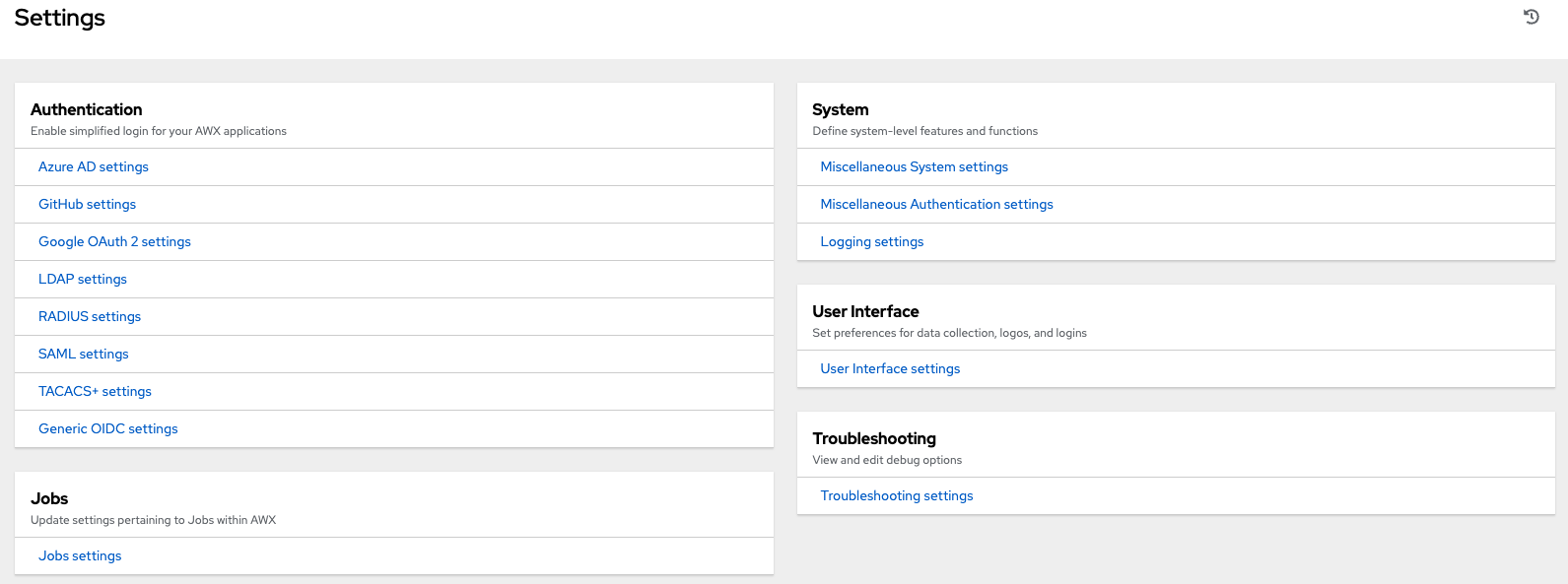
For more information on configuring these settings, refer to Ascender Configuration section of the Administration Guide.